After you create a new Issue, on its details page you can add or edit the Issue description. To do this, follow these steps:
- Click the current description of the Issue or, if there is no description, click the designated empty placeholder.
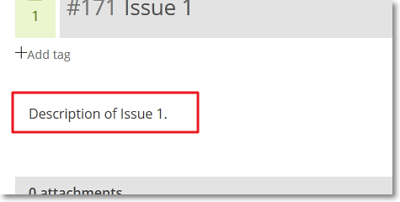 This action opens a WYSIWYG editor.
 - Edit the description of the Issue. For help with formatting the description, in the bottom-right side of the editor, click Markdown syntax help.

- In the top-right side of the editor, click
 to save any changes made.
Note: To preview the edited description, next to the save button (), click
to save any changes made.
Note: To preview the edited description, next to the save button (), click  ; to return to the editor and continue editing the description, click
  or, to save the description, click .

